Macaly now works with the apps that run your business
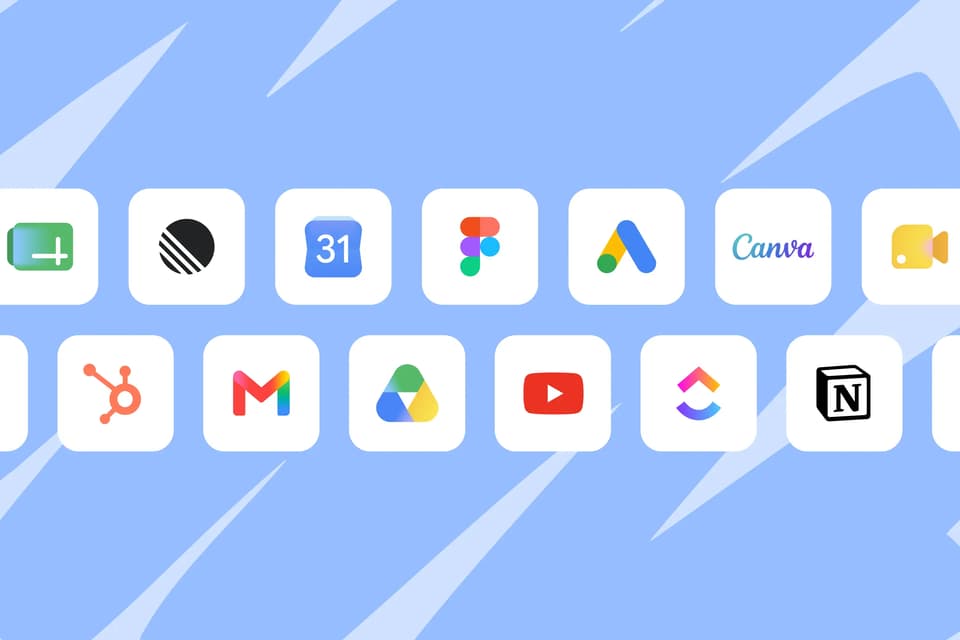
Figma, Google Sheets, HubSpot, Google Ads, and more than 20 others. Connect the apps you already use, and the agent starts working with them too.
Macaly
It's Friday afternoon and the client just approved the homepage design in Figma. Now someone has to turn it into a website, and that someone is you.
Meanwhile, the contact form on another site keeps collecting leads that somebody copies into a spreadsheet by hand. And the end of the month is coming, which means logging into Google Ads, exporting numbers, and assembling the report nobody enjoys making.
Three routine jobs, three different apps, one thing in common: Macaly couldn't reach any of them.
Now it can. You can connect the apps you already work with directly to your Macaly account, and the agent works with them too: it reads from them, writes to them, and sets up workflows that keep running on their own.
Connecting takes a click and a sign-in in your settings, and every project in your workspace can use the app from that moment on. It works on every plan, and the list runs from Figma and Canva through Google Workspace and Notion to HubSpot, ClickUp, and Typeform.
The handoff builds itself
Every agency and freelance designer knows the moment. The design is done, approved, pixel-perfect in Figma, and now it has to become a real website.
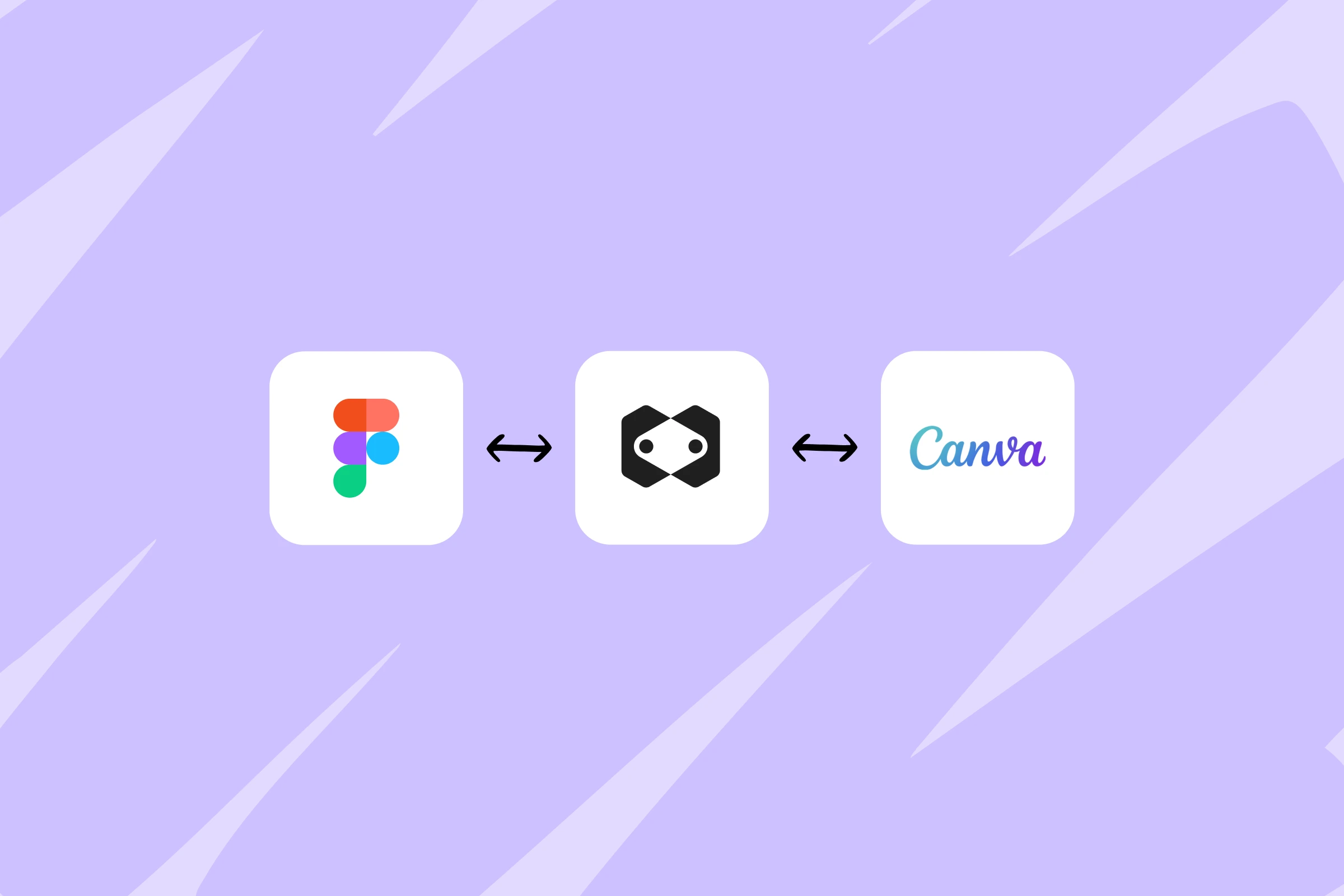
Point the agent at the Figma file and it builds the layout, components, and spacing into a responsive page. It can pull in your whole design system too: components, styles, and color variables, down to a ready-to-use Tailwind config, so every page you add later stays on brand without rebuilding anything by hand. Need the hero illustration on its own? The agent exports the frame straight from the file.
And if the brand lives in Canva rather than Figma, which is where many small businesses keep theirs, the same applies. Connect it, and your existing designs and assets become the material the agent builds from.
The leads file themselves
Someone fills out the contact form on your site at 11pm. Where does that lead go?
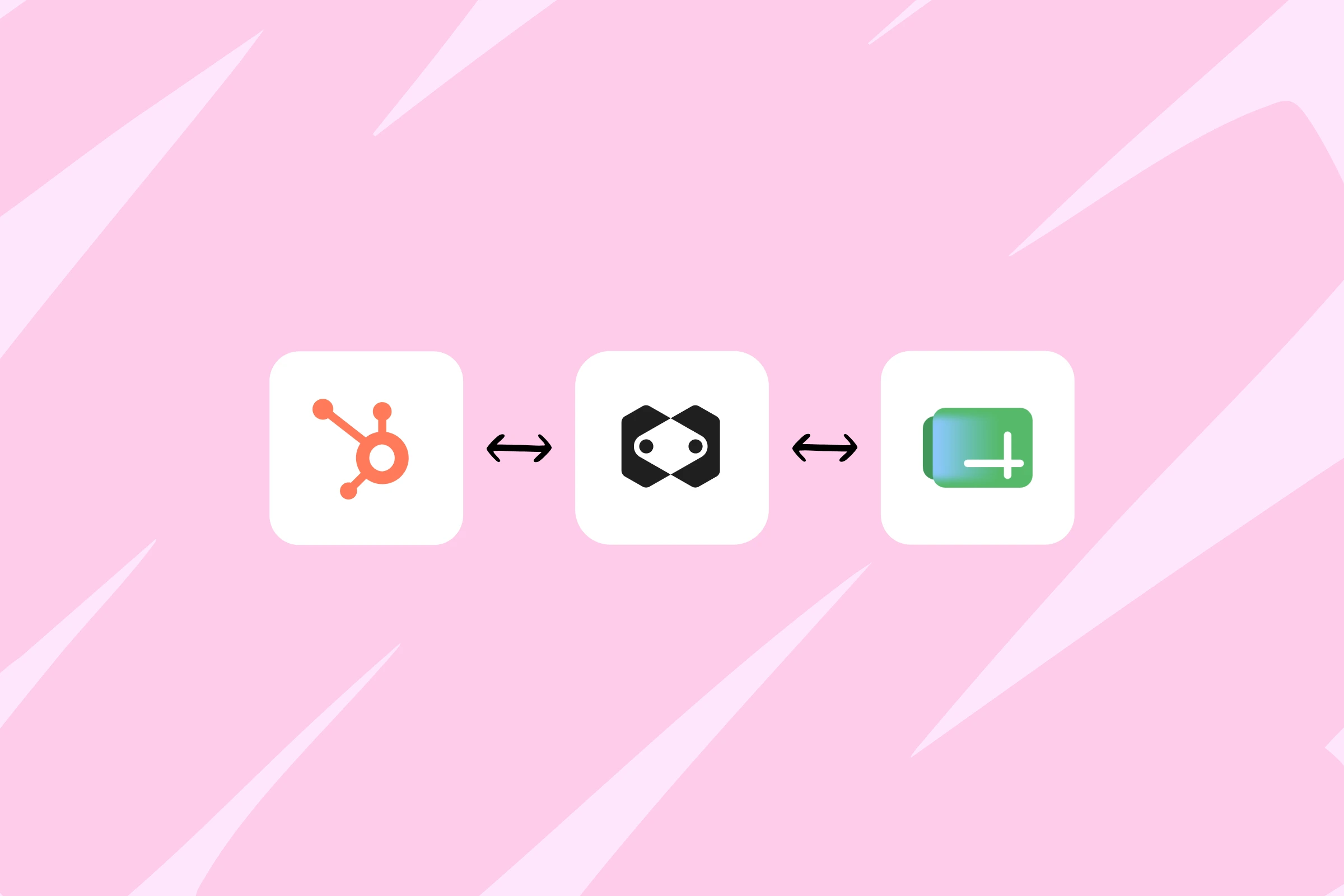
Wherever you want it to. Tell the agent once: every submission becomes a new row in your Google Sheet, a notification in your Gmail inbox, and a contact in HubSpot with a deal already opened for it. From then on, it happens automatically, around the clock, whether you're at your desk or asleep.
Nothing gets copied by hand and nothing slips through, because every lead lands in the tools your team already checks each morning.
The report writes itself
Connect Google Ads and campaign reporting becomes a conversation.
Ask how the summer campaign performed, and the agent pulls the clicks, impressions, and cost from your live account. Tell it to pause every campaign that spent over $500 last week without a single conversion, and it does, immediately and for real. Or go a step further and have it build a page that shows spend and conversions per campaign, refreshed daily.
For an agency, that's a client report that updates itself. For a business owner running their own ads, it's the difference between checking a dashboard and digging through one.
Any app, any combination
The three workflows above are examples, not a menu. Connected apps work in whatever combination your week needs. Client change requests can turn into ClickUp tasks. A blog can sync from Notion. Brand photos can flow in from Google Drive, and Typeform responses can flow out into a spreadsheet.
This is the kind of plumbing that used to mean a separate automation tool, a tangle of webhooks, and another monthly subscription. In Macaly, it's a sentence in the chat.
And your accounts stay yours. The agent only touches a connected app when you ask it to, and you can disconnect any of them at any time in your settings.
The full list of apps and setup guides live in the integrations documentation.
Your website has always been part of your business. Now it acts like it.